Back to Academy
Technical EngineeringControls & Protocols

DMX System Design — Universes, Wiring & Fixtures

Controlling color, motion, and drama in architectural and entertainment lighting.
7 min LEDWORLD Technical Team 297 views
DMX System Design — Universes, Wiring & Fixtures
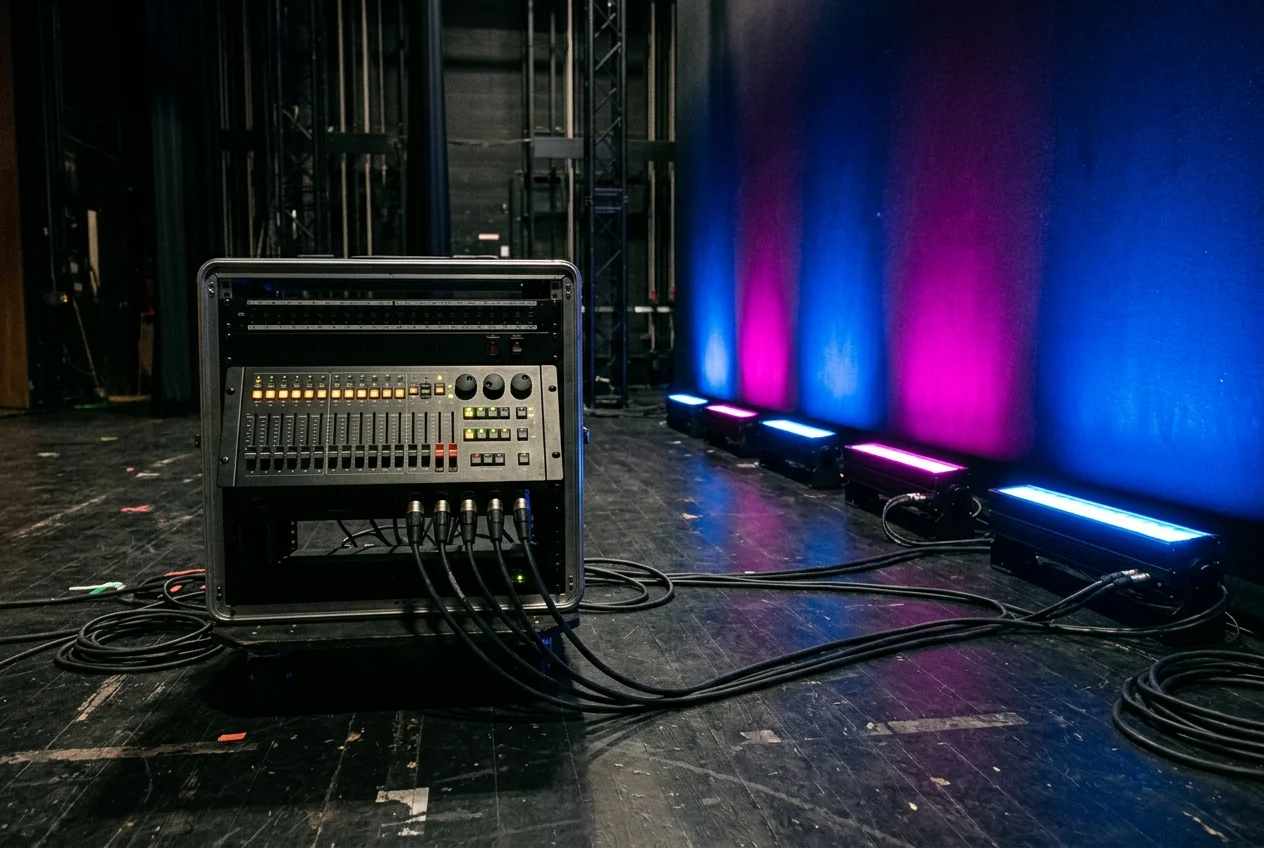
DMX controller rack with splitters and decoders for architectural facade lighting.

DMX512 Basics

512 channels per universe. Each universe carries data for up to 512 parameters. An RGBW fixture uses 4 channels. So one universe controls up to 128 RGBW fixtures. Use DMX splitters (not splices) to branch the signal. Always terminate the last device on each run.

DMX Channel Allocation

fixture typechannelsper universe
RGB wash light3 (R/G/B)170 fixtures
RGBW wash light4 (R/G/B/W)128 fixtures
RGBW + dimmer5102 fixtures
Moving head (basic)16–2421–32 fixtures
Pixel strip (per pixel)3 per pixel170 pixels

Wiring & Signal Distribution

DMX uses a daisy-chain topology with shielded cable (5-pin XLR or Cat5e for architectural). Maximum run length: 300m from controller to last fixture. Use DMX splitters/boosters for branches — never split with Y-cables. Terminate the last fixture with a 120Ω resistor across pins 2-3.

Art-Net & sACN

For large installations (facades, stadiums), Art-Net or sACN sends multiple DMX universes over Ethernet. One Ethernet port can carry hundreds of universes. This eliminates long DMX cable runs and simplifies infrastructure. Use managed network switches for reliable distribution.

DMX Design Checklist

Calculate total channels needed → plan universe allocation
Use shielded cable — unshielded causes interference and flickering
Never exceed 300m per DMX run without a booster
Always terminate the last device on each chain (120Ω)
Use splitters for branches, never Y-cables
Plan IP address scheme if using Art-Net/sACN
Test full sequences before final installation
Keep DMX cable away from mains power where possible

Common Mistakes

No termination — causes flickering and random behavior on last fixtures
Y-splitting DMX signal — causes reflections and data corruption
Using non-shielded cable — picks up interference from mains
Not planning enough universes — running out of channels mid-project
Daisy-chaining too many fixtures without signal boosters

Related Tools

Frequently Asked Questions

DMXDMX512Art-NetsACNRGBfacadeentertainment

Planning a facade lighting project?

LEDWORLD has completed 6,000+ lighting projects across the UAE and GCC. Our team can handle everything from lighting design to supply and installation.

We use cookies to enhance your experience.Privacy Policy